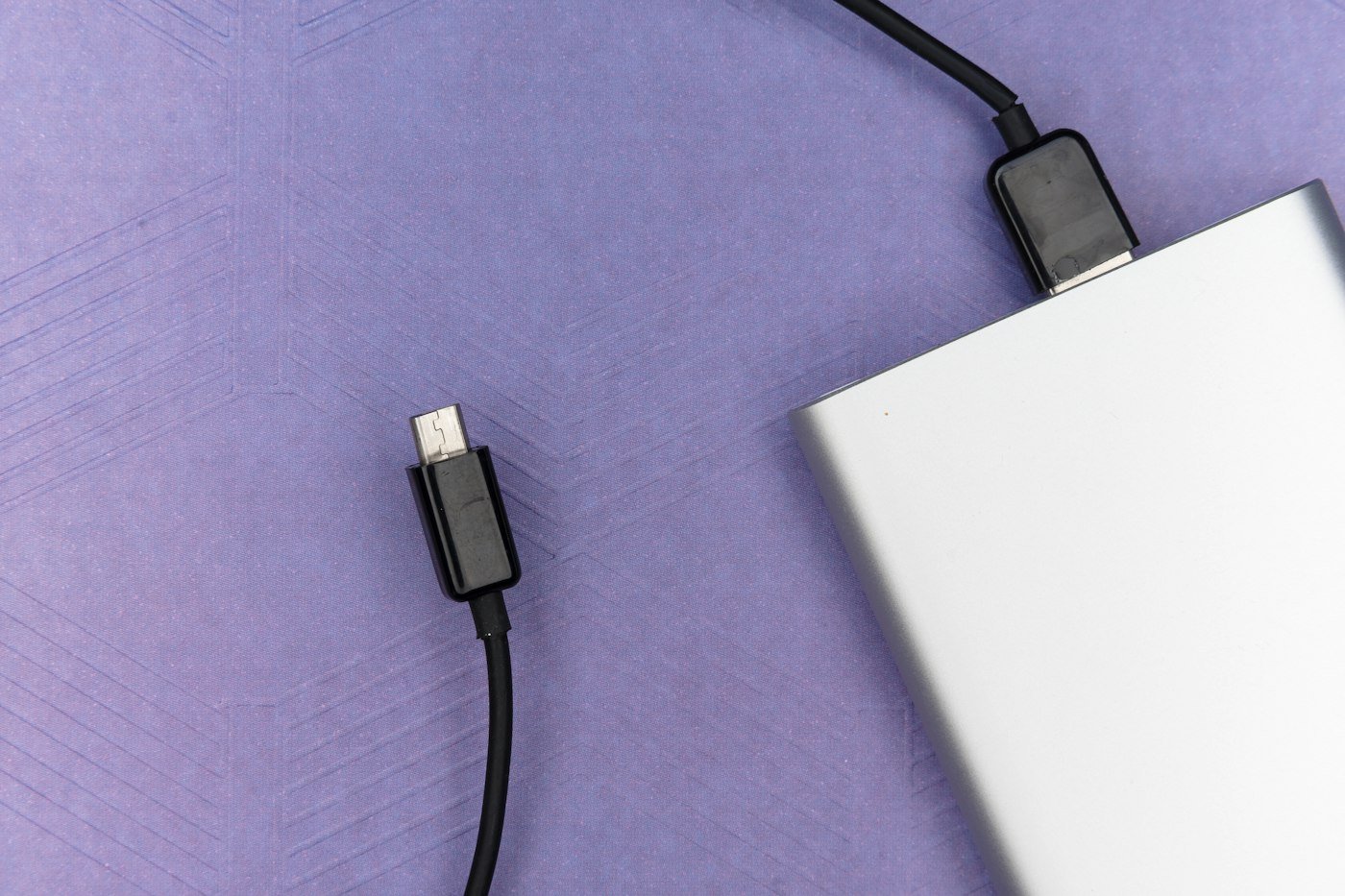
USB-C is now on almost everything: iPhones, Android phones, laptops, tablets, earbuds, cameras and game controllers. The problem is that “USB-C” only describes the shape of the plug. Two cables that look identical can charge at very different speeds, transfer data at wildly different rates, and one may not support a monitor at all.
This guide explains what actually matters, then lists the five USB-C accessories most people should own.
The short version
- Charger: Get a GaN charger with enough watts for your biggest device. 30W covers phones and tablets; 65W covers most laptops and lets you charge two devices at once.
- Cable: For laptops, use a cable rated for 100W or 240W. For phones, a 60W cable is fine.
- Monitor: Make sure both your laptop’s port and the cable or hub support video (DisplayPort Alt Mode, USB4 or Thunderbolt).
- Safety: Buy from established brands. Cheap no-name chargers can be unsafe.
1. Chargers: how many watts do you need?
Modern USB-C chargers use USB Power Delivery (USB PD), which lets the charger and device agree on the right power level. A more powerful charger is safe to use with a smaller device; the device only draws what it can handle. But a charger that’s too weak will charge slowly or, with laptops, may not keep up while you work.
| Device | Recommended charger |
|---|---|
| Phones and earbuds | 20–30W |
| Tablets | 30–45W |
| Thin laptops (MacBook Air, Chromebooks) | 45–65W |
| Larger laptops | 65–100W |
| Performance laptops | 100–140W or more (check your laptop) |
Why GaN? Gallium nitride (GaN) chargers are much smaller and run cooler than older chargers of the same power. A 65W GaN charger can be about the size of an old phone charger.
Multi-port chargers share their total wattage. A 65W two-port charger might give 45W to your laptop and 20W to your phone when both are plugged in.
2. Cables: read the label
USB-C cables differ in two independent ways: how much power they carry and how fast they move data.
- Power: Basic cables carry up to 60W. Cables for 100W or 240W have a built-in chip (an “e-marker”) and are needed for most laptops to charge at full speed.
- Data: Many charging cables only support slow USB 2.0 speeds (480 Mbps), which is fine for charging but bad for transferring big files. USB 3.x, USB4 and Thunderbolt cables are much faster.
- Video: To connect a monitor directly, the cable must support video. USB4 and Thunderbolt cables do; slow USB 2.0 charging cables don’t.
Look for cables with the official USB-IF logos, which show the wattage (60W or 240W) and data speed on the packaging.
3. Hubs and docks: check what your laptop supports
A USB-C hub adds the ports thin laptops are missing: USB-A, HDMI, SD card reader and Ethernet. Before buying, check two things:
- Does your laptop’s USB-C port support video? Not every USB-C port does, especially on budget laptops. Look for a display or Thunderbolt symbol next to the port, or check the specs.
- How many monitors can your laptop drive? Some laptops, including base-model MacBooks, support only a limited number of external displays no matter how many HDMI ports the hub has.
Hubs also share bandwidth. Running a 4K monitor at 60Hz plus fast storage through one port may need a USB4 or Thunderbolt dock rather than a basic hub.
4. Power banks
A USB-C power bank with Power Delivery can fast-charge phones and even top up laptops. Capacity is listed in mAh: 10,000mAh roughly gives one to two full phone charges, while 20,000mAh or more can partially charge a laptop if the output is 45W or higher. For flights, airlines generally limit carry-on batteries to 100Wh, which covers most power banks up to about 27,000mAh.
5. Wireless chargers
If your phone supports Qi2 (recent iPhones and many newer Android phones), a Qi2 charger snaps on magnetically and charges faster and more reliably than older Qi pads. Wireless charging is convenient but slower and less efficient than plugging in.
The USB-C accessories worth buying
01. A 65W GaN charger with two or three ports
The single most useful accessory. One compact charger can replace separate phone and laptop chargers at home and when traveling. Look for brands like Anker, UGREEN or Belkin, and check that the main port delivers enough watts for your laptop.
02. A 240W-rated USB-C to USB-C cable
A 240W cable will charge anything from a phone to a powerful laptop at full speed, so you never have to wonder which cable you grabbed. A braided cable lasts longer in a bag. Note that most 240W cables still have slow data speeds; buy a separate USB4 or Thunderbolt cable for monitors and fast drives.
03. A compact USB-C hub
A small hub with HDMI, two USB-A ports, an SD card reader and pass-through charging covers most needs for students and remote workers. Choose one that supports 4K at 60Hz if you use a modern monitor.
04. A 10,000mAh USB-C power bank
Small enough for a pocket, big enough for a full day out. Look for USB-C Power Delivery of at least 20W for fast phone charging, or 30W+ if you also want to charge a tablet.
05. A Qi2 magnetic charger
If your phone supports Qi2, a magnetic stand or pad on your desk or nightstand makes charging effortless. Make sure it says Qi2 certified, not just “magnetic.”
Mistakes to avoid
- Using a phone charger for a laptop. It may charge extremely slowly or not at all.
- Assuming any cable works with a monitor. Many charging cables don’t carry video.
- Buying the cheapest no-name charger. Poorly made chargers can overheat or damage devices.
- Buying a giant dock you don’t need. A small adapter you’ll actually carry is often more useful.
Frequently asked questions
Are all USB-C cables the same?
No. USB-C is just the connector shape. Cables differ in how much power they carry, how fast they transfer data and whether they support video.
Can I use a bigger charger than my device needs?
Yes. With USB Power Delivery, the device only draws the power it can handle, so a 65W charger is safe for a phone.
Why won’t my monitor work through my hub?
Your laptop’s port may not support video, or the hub’s bandwidth or your laptop’s display limit may be the problem. Check your laptop’s specs first.
What’s the difference between USB4 and Thunderbolt?
They’re closely related and use the same connector. Thunderbolt has stricter minimum requirements, while USB4 performance can vary by device. Both support fast data and video.
Can I bring a power bank on a plane?
Generally yes, in carry-on luggage only. Most airlines allow batteries up to 100Wh without approval. Check your airline’s rules.
The bottom line
Start with a good 65W GaN charger and a 240W-rated cable: together they’ll charge almost everything you own at full speed. Add a compact hub if your laptop is short on ports, and a small power bank for days away from an outlet. Always check your device’s specs, and buy from brands you trust.